

Backup & Data Recovery —
Protect Your Files Before It’s Too Late.
If your files are important, the right backup matters. If a drive is already failing, I’ll help you recover what can be recovered and protect what is still safe.
Hi, I'm Don — I’ve been helping Grand Junction and Western Colorado protect and recover computer files since 1983.
What I help with
- Recover files from failing or damaged drives when possible
- Clone drives before they completely fail
- Move important files to a safer drive or computer
- Set up practical local backups
- Set up external backup drives
- Help protect photos, documents, QuickBooks files, and business data
- Explain what is recoverable and what is risky before major work
Recommended Backup / Recovery Help
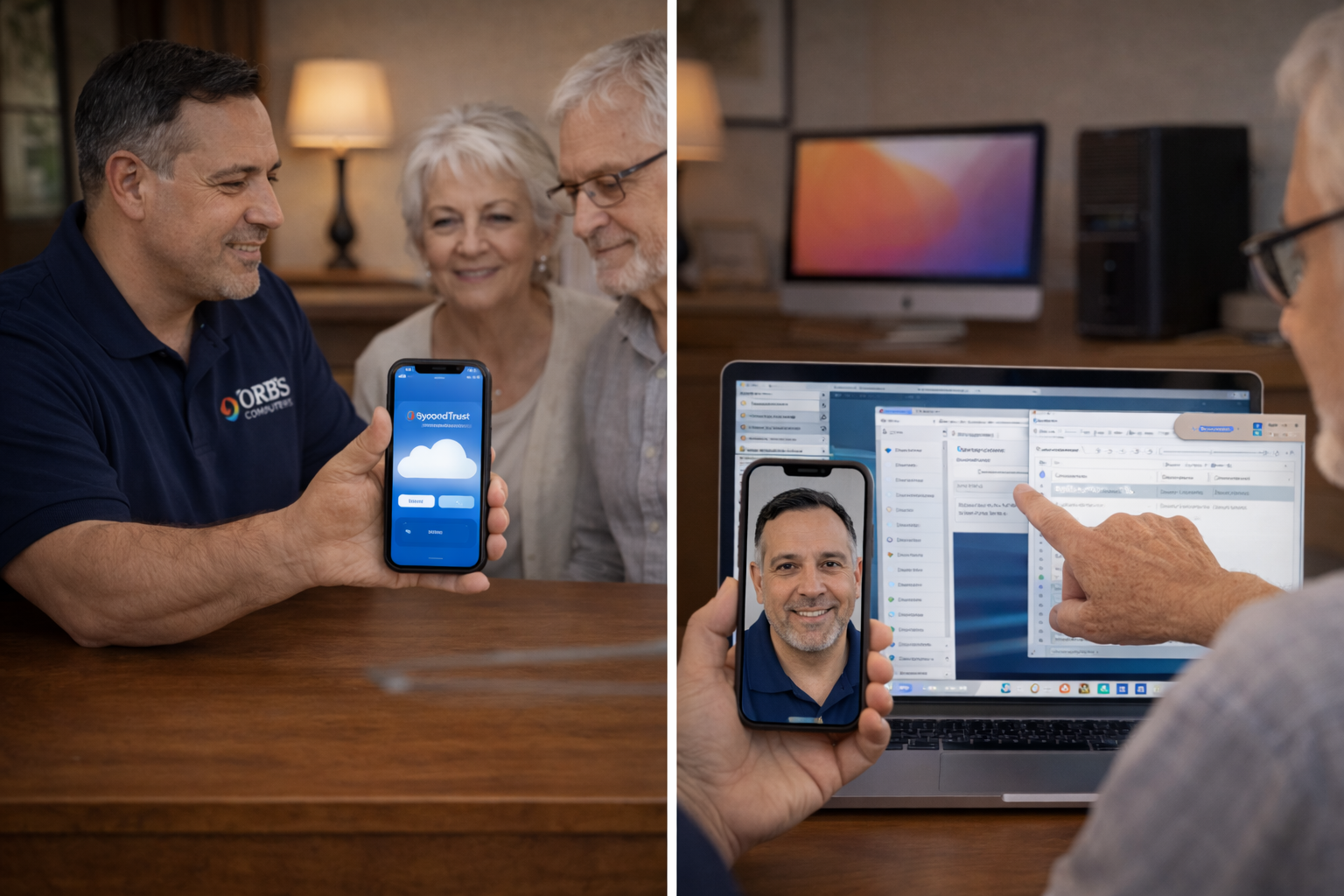
How I approach backup and recovery
The first goal is to avoid making things worse. I look at the condition of the drive, protect what is still accessible, and explain the practical choices before doing risky work.
- Protect your data before repair or replacement work
- Clone weak drives when possible before they completely fail
- Keep backup systems understandable and easy to use
- Avoid unnecessary software and confusing backup setups
Related Help
Backup and recovery often connect with setup, repair, and slow-computer work.
More Computer Help
Not sure if this is the right page? Pick the closest problem below.
Slow Computer
Cleanup, speed-up, startup fixes, and practical upgrades.
Virus / Pop-Ups
Scam warnings, fake alerts, browser junk, and safe cleanup.
New Computer Setup
Transfer files, set up programs, printers, email, and backups.
Wi-Fi / Internet
Weak signal, router issues, and connection problems.
Printer Problems
Wireless printing, scanning, setup, and driver issues.
Not Sure?
Ask Don and I’ll help you figure out the best next step.